
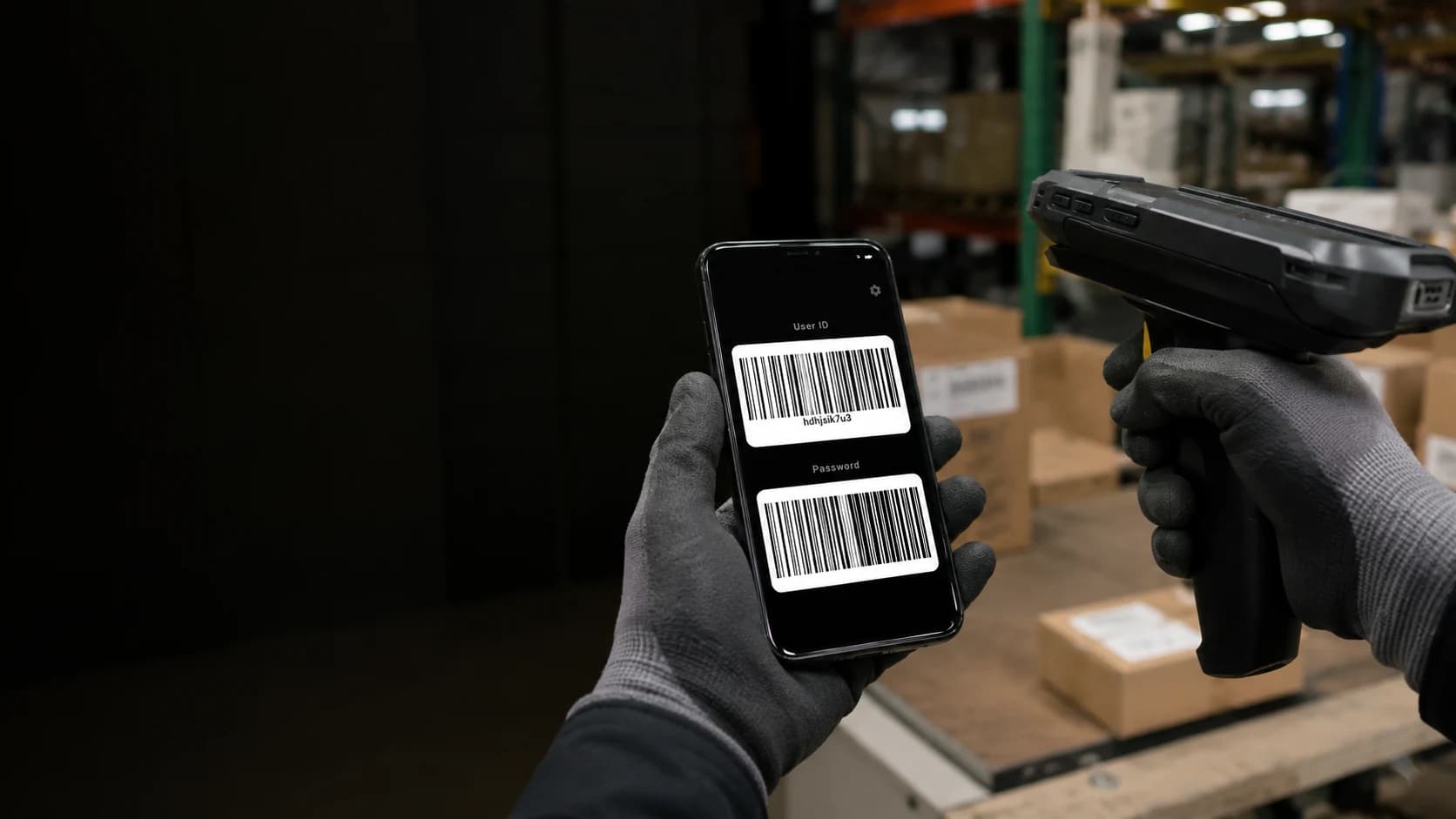
Scan Login. Your work login, ready to scan.
Display your user ID and password as barcodes on your phone. Scan with a handheld barcode scanner. For warehouse teams and delivery drivers.
- Store
- Google Play Store
- Platform
- Android, iOS (coming soon)
- Access
- App, tile, widget, NFC
- Mode
- Offline first
Easy one-screen setup.
Enter your login details once, save, and show the barcodes when the handheld scanner needs them.
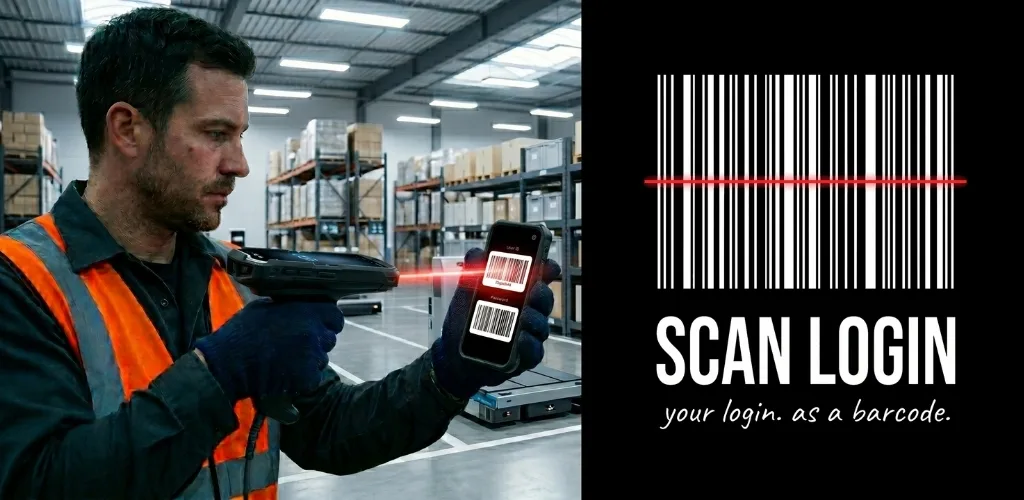
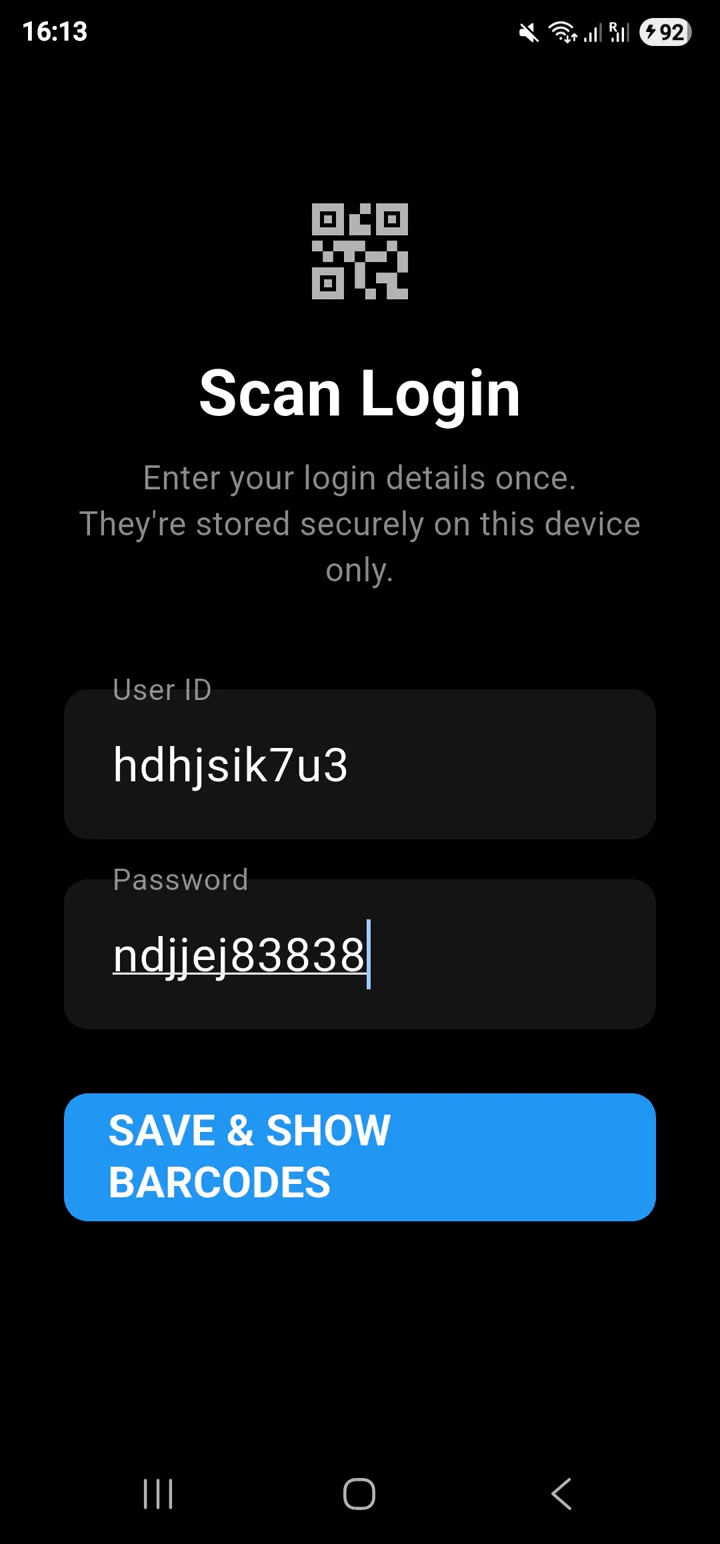
Enter it once
Type the login details you already know, then save them on the device.
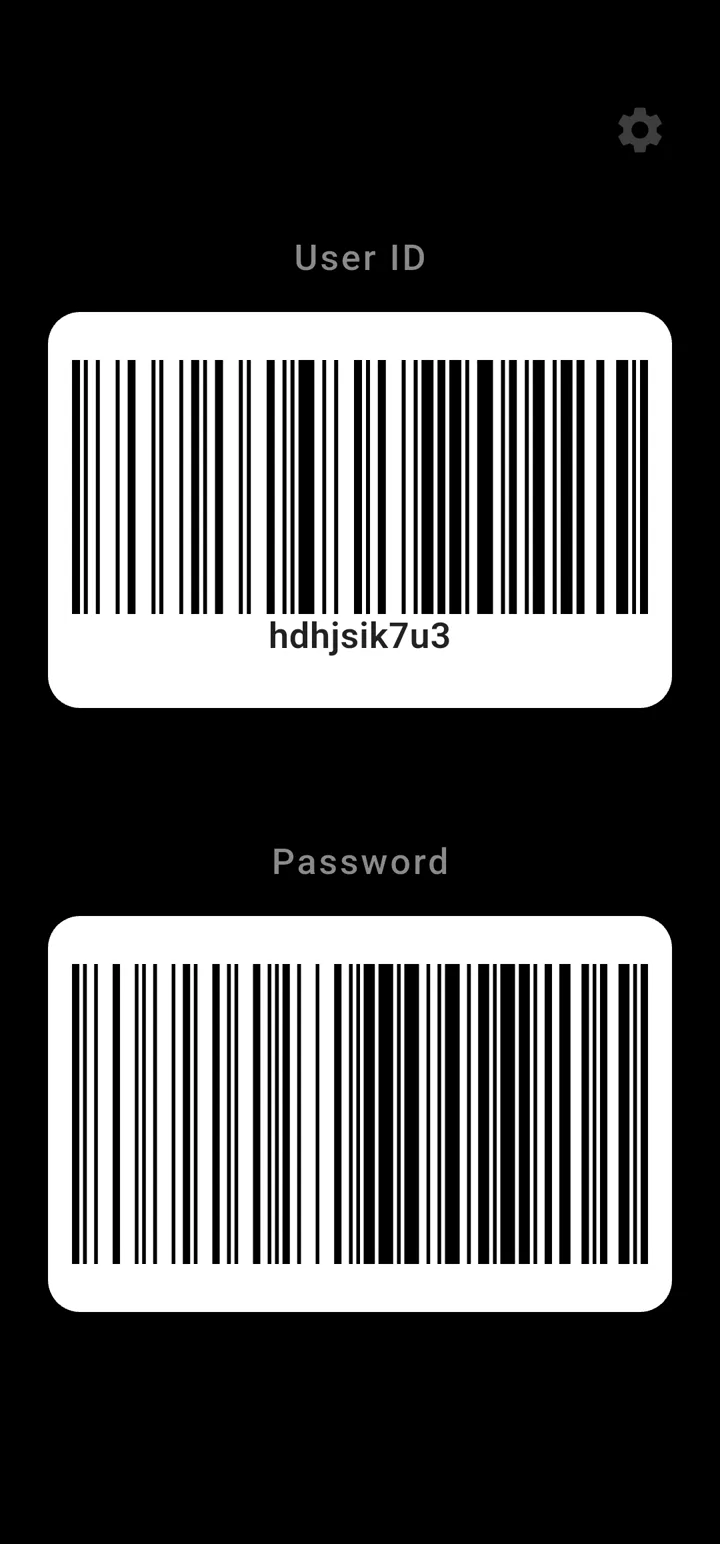
Use it as a barcode
Open the barcode screen when the scanner needs a login and scan instead of typing.
Scanner timed out. Gloves still on. Password needed again.
Scan Login was shaped around the awkward bits of real warehouse work: cold areas, handheld scanners, repeated logins, mounted phones, and shared workstations.
Access 1
App and notification
Open Scan Login normally, or pull down the persistent notification and scan from there.
Access 2
Quick Settings tile
Keep barcode access one swipe away when you are moving between tasks.
Access 3
Home-screen widgets
Put one barcode, both barcodes, or a launch button on a mounted phone or work phone.
Access 4
Workstation NFC
Pair an NFC tag so tapping the phone at a desk launches the app, even when the app is not already open.
Features
Ready for the next scanner login.
Glove-friendly scanning
Large barcode display and widget barcodes reduce fiddly typing when you are in the chiller, freezer, yard, or warehouse aisle.
Scanner-friendly formats
Code 128, Code 39, and QR Code options cover common handheld scanner setups.
Auto-tab and auto-enter
Optional suffix settings can add tab, enter, line feed, or combined submit behaviour after scans.
Lock and logoff
Hide barcodes from the app, notification, widgets, and lock screen until you unlock again.
Shift scheduling
Pause outside active days or hours, then auto-resume for the next shift window.
Encrypted QR backup
Move setup to another phone with a passphrase-protected QR restore flow, without cloud sync.
No account. No cloud. No workplace integration.
Scan Login turns values you enter into barcode images on your own device. It is a personal utility, not an integration with an employer scanner estate, warehouse system, or login service.
- Works offline.
- No Scan Login account.
- No cloud sync.
- No employer system integration.
- Values you enter stay on your device.
Always follow your workplace policy when using a personal device at work. Employer names and logos should only be used with permission.
Made for barcode login workflows.
Warehouse teams
Repeated scanner logins, cold rooms, gloves, and shared handhelds.
Delivery drivers
While safely parked, scan active barcode widgets on your mounted phone. Your phone's face unlock may make access easier, depending on its settings and which home screen opens.
Managers
NFC stickers at shared workstations can launch the app where the login happens.
Logistics teams
A generic barcode utility for barcode login workflows across retail, postal, fulfilment, and back-of-house operations.
iOS version in the works.
The Android version is live now. The iOS version is in the works, and iPhone users can join the early access list.

Android live
Get it on Google Play Store.
The Android app is live and ready to download from Google Play Store with no purchase price, subscription, or upsells.
iOS coming soon
Want Scan Login on iPhone?
Join the iOS early access list and we will email you when the iPhone version is ready to download.
Check your workplace policy first.
Scan Login is a local barcode utility. It does not create an account, connect to employer systems, or send the values you enter to an online service.
- No separate Scan Login account to approve or administer.
- No online service receives the values you enter.
- No connection to employer systems, scanner estates, or login services.
- Use app lock and logoff to hide barcodes. Phone unlock and visible widgets depend on your settings.
- Anyone who can scan a visible barcode can read the value it represents.
- Details stay on the device and can be checked against your workplace policy.
If your workplace has personal-device rules, follow those first. The privacy and terms pages set out the app boundaries in plain English.
What does Scan Login do?
Scan Login is a free Android barcode display app from Wacky Works Digital. Save your user ID and password, display them as barcodes on your phone, then scan the screen with a compatible handheld barcode scanner instead of typing.
Will it work with my barcode scanner handset?
Your handheld scanner must be able to read phone screens and the selected barcode format. Scan Login supports Code 128, Code 39 and QR Code. Your work login must accept scanned text. Check with your employer and test your scanner before relying on it during a shift. It does not bypass passwords, SSO or multi-factor authentication.
Can delivery drivers use it with a mounted phone?
Yes, while safely parked. Add your barcode widgets to the home screen you normally use. If your phone supports face unlock and opens onto that screen, you can scan an active widget without opening the app. Face unlock belongs to your phone, not Scan Login; phone settings, app lock and shift schedules can affect access. Never operate or scan the phone while driving.
Can I keep my gloves on?
Scanning a visible barcode does not require typing on the phone. Home-screen widgets can keep barcodes ready, and the app also has notification and Quick Settings shortcuts. Waking or unlocking the phone depends on your device and settings.
Is Scan Login free and does it work offline?
Yes. The Android app is free on Google Play, with no ads, subscription or Scan Login account. Once installed and set up, it displays saved barcodes without an internet connection. Your workplace scanner or login system may still need its own network connection.
How should I protect my login barcodes?
A visible barcode exposes the value it represents to anyone who can scan it. Only use your own authorised login and follow workplace policy. Main app storage is encrypted; widgets and notifications use a separate unencrypted, app-private copy. Use the app's lock and logoff controls when barcodes should not be visible. App sharing sends public app links, never your saved login details.